
For example, a ping to z/OS as seen by z/OS
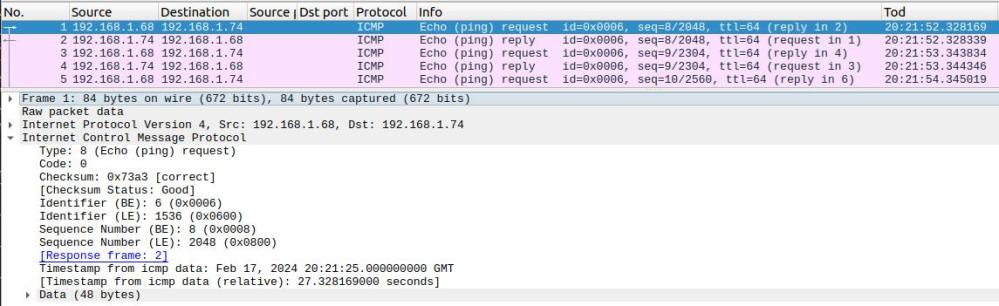
The TCPTRACE module runs as a batch job. It uses a documented TCPIP interface to collect packet trace data. It writes the trace data to a file which can be downloaded and used as input to wireshark.
Using the TCPTRACE module, you submit the job, run your test. Stop the job, download the file. Simple.
The documented way to collect a trace from z/OS is
- Start a CTRACE trace writer
- Start CTRACE
- Start TCP trace
- Run your test
- Stop TCP trace
- Stop Ctrace
- Stop Trace writer
- use IPCS to process the trace and create a file to download
- Download the file
Which is complex and has many steps.
Ive created a github project called zWireshark. You only need the load module, the source is there for example.
Please let me know of any suggestions or improvements.
 ColinPaice